

Imagine arriving at work on a Monday morning, opening your laptop, and trying to access your email.
You enter your password, wait for the familiar security notification on your phone, and suddenly, nothing happens.
You try again. Still nothing.
Then employees start reporting the same issue. They can’t access their email, shared documents, or other Microsoft 365 applications.
The problem isn’t an internet outage or a forgotten password. It’s an outdated security integration that your business has relied on for years.
The very technology designed to protect your business is now preventing employees from getting their work done.
It’s a scenario businesses could face as technology providers retire older authentication systems. And it’s exactly why maintaining your cybersecurity tools is just as important as implementing them in the first place.
What Is Duo MFA, and Why Does Your Business Need It?
Most businesses understand the importance of having strong passwords. But passwords alone aren’t always enough to protect sensitive company information.
That’s where multi-factor authentication (MFA) comes in.
MFA adds another layer of security by requiring employees to verify their identity using more than just a password.
For example, when an employee signs into Microsoft 365, they may receive a notification through Cisco Duo on their phone asking them to approve the login.
Even if a cybercriminal obtains that employee’s password, the additional verification requirement makes unauthorized access significantly more difficult.
Think of it like locking your office door. Your password is the first lock, and MFA adds another layer of protection.
But what happens when the technology connecting those security measures becomes outdated?
That’s the challenge behind a recent project CatchMark Technologies planned for a business using Cisco Duo to protect its Microsoft 365 environment.
The business already had MFA in place. Employees were familiar with the process, and everything appeared to be working.
However, Microsoft was retiring the older integration method connecting Duo to Microsoft 365.
Without transitioning to the supported Duo External MFA integration, the business risked future authentication failures and interruptions to employee access.
The solution wasn’t to eliminate MFA or replace an entire security program. It was to update how Duo connected with Microsoft 365 through Microsoft Entra ID.
CatchMark developed a migration approach that included reviewing the existing security configuration, implementing the supported integration, testing with a smaller group of employees, and transitioning the remaining users.
The goal was to maintain security while minimizing disruption to daily operations.
The Business Takeaway: Cybersecurity Isn’t Set It and Forget It
Implementing MFA is an important step toward protecting your business. But having security tools in place doesn’t automatically mean they’re configured correctly or will remain supported.
Technology changes constantly.
Software providers release updates. Security requirements evolve. Older integration’s eventually reach the end of their supported life.
And businesses don’t always realize something needs attention until it stops working.
In this situation, the concern wasn’t that MFA had failed to protect the business. It was that an older integration could eventually prevent employees from accessing the applications they needed.
By planning the migration before the legacy integration was fully retired, the business could reduce the risk of unexpected interruptions.
The bigger lesson? Good cybersecurity isn’t just about installing protection. It’s about maintaining it.
A proactive approach helps businesses identify outdated technology, understand upcoming changes, and address potential problems before they affect operations.
What Could This Look Like in Your Business?
Maybe your business doesn’t use Cisco Duo. Maybe your employees use Microsoft Authenticator or another MFA solution.
The underlying challenge is still the same.
Think about how much your business depends on employees being able to access their technology.
Your accounting team needs financial records. Your sales team needs customer information. Your employees need email, shared files, and business applications to do their jobs.
Now imagine those systems becoming inaccessible because an authentication setting or outdated integration was overlooked.
Even a temporary interruption can create frustration, reduce productivity, and pull employees away from their responsibilities.
And outdated MFA configurations aren’t the only concern.
Your business could have security policies that aren’t being enforced correctly, former employees who still have access to applications, or software integration’s that haven’t been reviewed in years.
These are the types of issues that can go unnoticed when technology appears to be working normally.
That’s where having the right technology partner makes a difference.
CatchMark Technologies helps businesses look beyond whether their technology works today and evaluate whether it’s secure, supported, and prepared for what’s next.
That includes reviewing MFA configurations, managing Microsoft 365 security settings, identifying outdated integration’s, and planning changes that minimize disruptions.
Because protecting your business shouldn’t mean waiting for something to break.
Is Your Business’s MFA Configuration Up to Date?
If your business uses Microsoft 365 or another cloud-based platform, when was the last time someone reviewed your authentication settings?
Are your security tools properly configured? Are your integration’s still supported? And would your business know if an upcoming technology change could affect employee access?
You don’t have to figure that out on your own.
Contact CatchMark Technologies helps businesses strengthen their cybersecurity, maintain secure access, and stay ahead of technology changes before they become problems. To review your MFA setup and make sure your security is working for your business, not against it.
Follow CatchMark on Facebook and LinkedIn to see what we’re working on and learn more about how we help businesses solve everyday technology problems.
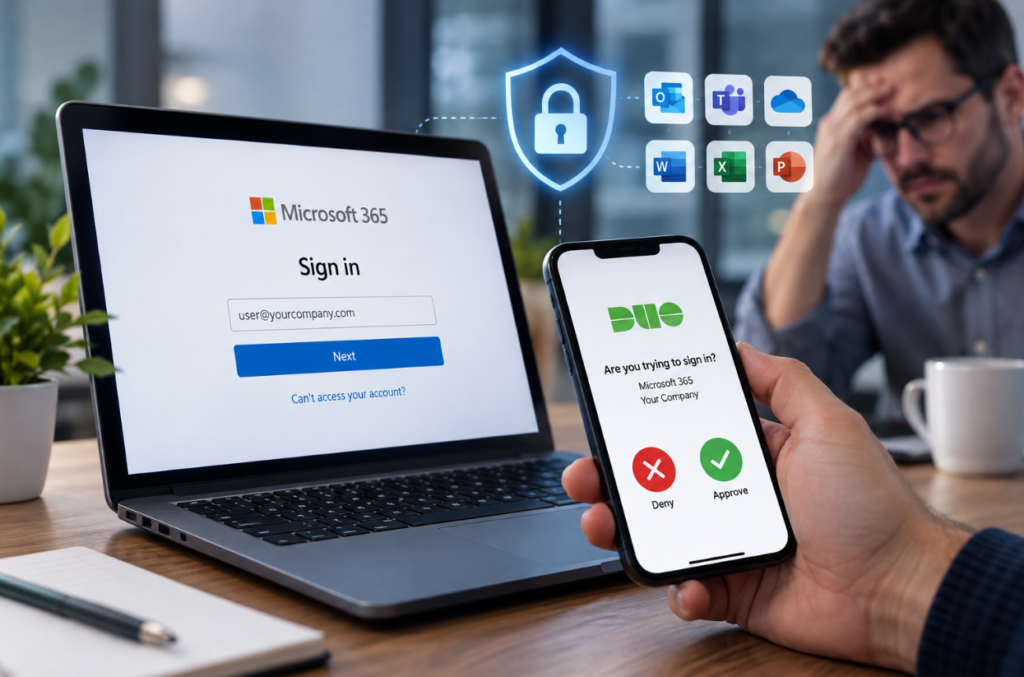
Duo and Microsoft