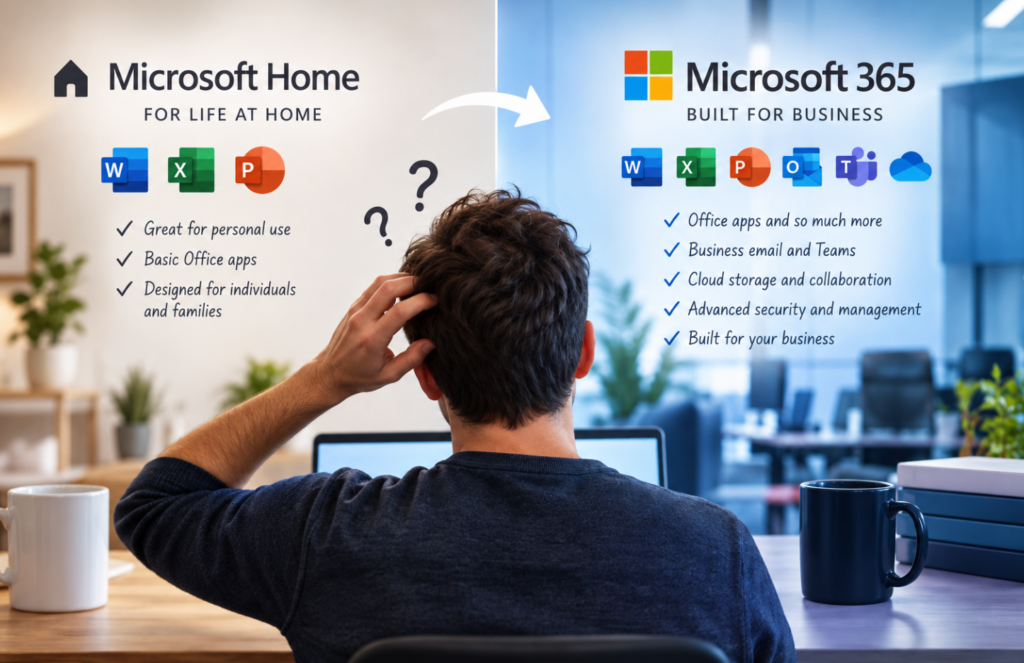
A new employee starts Monday. Their laptop is ready, their email address has been created, and they just need Microsoft Office.
Easy enough, right?
The employee already has Microsoft Office on the computer, so everything appears ready to go. But once they start working, the problems begin. They can’t access the same tools as the rest of the team. Files aren’t syncing the way they should. Their business email isn’t integrated correctly, and IT can’t manage the account like the company’s other users.
The problem isn’t Microsoft Office itself.
It’s the license.
The employee was using a Microsoft product intended for personal or home use rather than the Microsoft 365 business environment the company uses.
Microsoft Home vs. Microsoft 365: What’s the Difference?
Microsoft offers several different products and licensing options, and the names can make them sound more interchangeable than they really are.
A home or personal Microsoft license is designed primarily for an individual or family. It can provide familiar applications such as Word, Excel, PowerPoint, and Outlook, depending on the product.
For someone writing documents, managing a household budget, or using Office personally, that may be exactly what they need.
A business has different requirements.
Microsoft 365 business licensing can go beyond simply giving an employee access to Word and Excel. Depending on the license, it can include business email, Teams, OneDrive, SharePoint, cloud services, device management, security features, and administrative controls.
That distinction matters because a business isn’t just managing software.
It’s managing people, devices, company data, security, and access.
When the Difference Becomes a Business Problem
We recently helped a customer who ran into this exact type of situation.
On the surface, the employee had Microsoft applications and could work. But as we dug into the issue, we discovered that their licensing didn’t match the company’s Microsoft 365 environment.
That created limitations that weren’t immediately obvious.
Instead of simply fixing the individual problem, we looked at what the employee actually needed to do, how the company was using Microsoft 365, and what licensing made sense for their environment.
We helped get the user onto the appropriate business licensing and properly connected to the organization’s Microsoft environment.
The result wasn’t just that Office worked.
The employee was now part of the same managed business environment as everyone else.
The Business Takeaway
Microsoft licensing can become surprisingly complicated because the right answer isn’t always “buy Microsoft 365.”
The better question is:
What does this person need to do, access, and protect?
One employee may only need basic applications. Another may need business email and cloud storage. Someone working with sensitive company information may require additional security or device-management capabilities.
And when employees join, leave, change roles, or get new computers, those requirements can change.
That’s why licensing should be treated as part of your IT environment rather than just another software purchase.
At CatchMark Technologies, we help businesses understand what Microsoft services they actually need, choose the appropriate licensing, configure their environment, and manage it as their organization changes.
Not sure if you’re paying for the right Microsoft licenses—or whether your employees have the tools and protection they actually need?
Talk with CatchMark Technologies. We’ll help you sort through the options and make Microsoft work for your business instead of making your business figure out Microsoft.
Follow CatchMark on Facebook and LinkedIn to see what we’re working on and learn more about how we help businesses solve everyday technology problems.