

Imagine managing a storage facility with multiple buildings, a dairy farm with equipment spread across several structures, or a business with several entrances and parking areas.
You want security cameras to protect your property, monitor activity, and provide visibility when you’re not onsite.
But where do you put them? How many do you actually need? And how do you connect cameras across buildings that may be hundreds of feet apart?
Installing a security camera system involves much more than mounting cameras on buildings. The real challenge is designing a system that provides the right coverage, reliable connectivity, and dependable recording.
What Goes Into Planning a Multi-Building Camera System?
The first step isn’t choosing cameras. It’s understanding the property and identifying what needs to be monitored.
For example, a storage facility may need visibility of entrances, drive lanes, and individual storage buildings. A dairy farm may need coverage of equipment areas, barns, access roads, and other critical locations.
Determining camera placement involves evaluating:
- Coverage areas: Which entrances, buildings, equipment, and activity areas need monitoring?
- Camera positioning: What mounting locations and viewing angles will minimize blind spots?
- Lighting and environment: Will cameras perform in darkness, changing weather, or dusty conditions?
- Distance between buildings: Can the cameras connect to the existing network?
- Recording requirements: How long does footage need to be stored, and who needs access to it?
The goal isn’t necessarily to install more cameras. It’s to position the right cameras where they’ll provide the most useful visibility.
A properly planned system may accomplish more with fewer strategically positioned cameras than one with cameras installed without a coverage plan.
Cameras Are Only One Part of the System
One of the biggest misconceptions about security camera installations is that the cameras themselves are the entire project.
In reality, a multi-building installation often requires additional technology infrastructure.
Networking and connectivity
Cameras need a reliable connection to the recording system. This may involve installing network switches, running new Ethernet cabling, or using point-to-point wireless bridges to connect separate buildings.
Power requirements
Many modern cameras use Power over Ethernet (PoE), allowing network cables to deliver both power and data. However, switches and other networking equipment still require reliable electrical power at each location. Backup power and surge protection may also be needed.
Recording and storage
A Network Video Recorder (NVR) stores camera footage and allows authorized users to review recordings. The number of cameras, video quality, and desired retention period determine how much storage is needed.
Installation and configuration
The project may also involve outdoor-rated cabling, mounting hardware, equipment enclosures, lift equipment, network configuration, camera adjustments, testing, and employee training.
Without the right supporting infrastructure, even high-quality cameras can experience connectivity problems, interrupted recordings, or limited accessibility.
What Does This Look Like for an Everyday Business?
Consider a business with five separate buildings that wants one centralized security camera system.
Rather than installing cameras individually and hoping everything connects, the project begins with a site assessment.
CatchMark evaluates the property, identifies coverage priorities, and determines how the buildings can communicate with one another.
From there, the project may include new network cabling, PoE switches, wireless connections between buildings, a centralized recording system, and cameras selected for each location.
Once installed, each camera must be configured, positioned, and tested to confirm that the system is capturing the intended areas and recording properly.
The result is more than a collection of cameras. It’s a connected security system designed around how the business operates.
And that planning matters. Discovering halfway through an installation that a building lacks adequate power, network connectivity, or a clear wireless connection can create unexpected costs and delays.
How CatchMark Can Help
Whether you’re protecting a storage facility, agricultural property, manufacturing operation, or multi-building business, the right security camera system starts with understanding your environment.
CatchMark Technologies helps businesses evaluate their properties, identify camera coverage needs, and design the networking and infrastructure required to support a reliable installation.
Not sure how many cameras your business needs or whether your existing network can support them?
Contact CatchMark Technologies to discuss your property and explore a camera system designed around your business. Visit www.catchmarkit.com or call 616-384-4616 to get started.
Follow CatchMark on Facebook and LinkedIn to see what we’re working on and learn more about how we help businesses solve everyday technology problems.
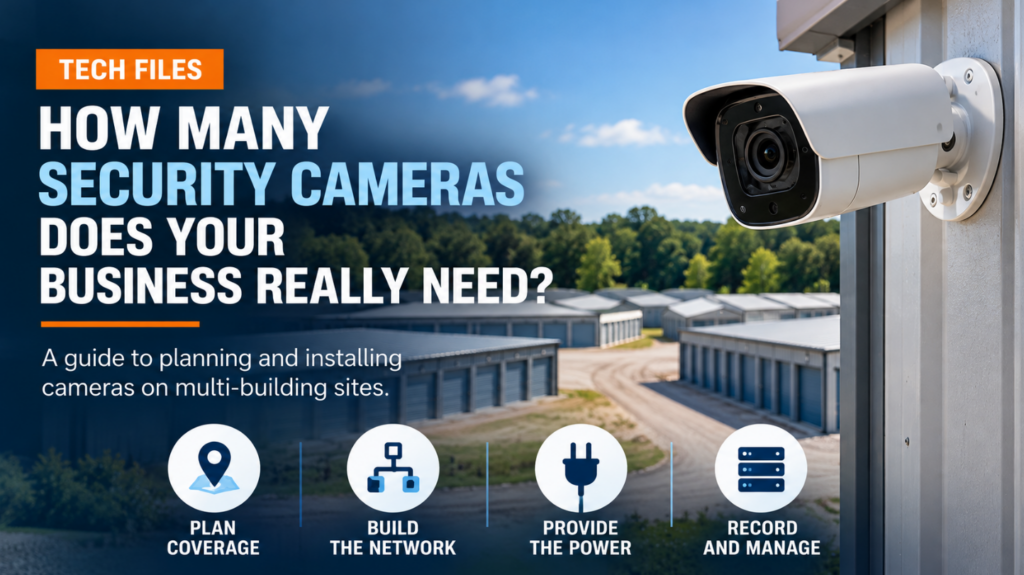
How Many Security Cameras Does Your Business Really Need?