
After more than two decades in the technology industry, I have had the opportunity to see a lot.
I have seen major problems announced loudly. Servers crash. Users call. Systems go offline. Phones light up. Everyone knows something is wrong.
But I have also seen problems whisper first.
A small alert. A warning in a dashboard. A repeated email. A failed check that clears itself later. A notification that shows up so often people stop taking it seriously.
Those quiet warnings can be easy to dismiss.
In the MSP and MSSP world, one of the most dangerous phrases is, “That alert always does that.”
Maybe it does.
But maybe it is trying to tell you something.
As always, the names, businesses, industries, and certain details have been modified to protect the innocent. The lesson, however, is very real.
The Setup
The situation started with a recurring alert.
It was not dramatic. It was not a red flashing screen with sirens. It was the kind of alert that had been seen before. A backup warning. A device health notification. A security tool message. A failed check that seemed to resolve on its own.
At first, it looked routine.
The alert came in. Someone acknowledged it. The system appeared to recover. Nothing obvious broke. Users were not complaining. The business kept running.
Then it happened again.
And again.
And again.
Over time, the alert became familiar. Familiar became normal. Normal became ignored.
That was the real problem.
The Moment It Became Serious
The alert finally received attention when something else went wrong.
A system needed to be restored. A device needed to be investigated. A customer issue required deeper review. A security event raised questions about whether a control had actually been working.
That is when the recurring alert stopped looking harmless.
The team went back through the history and saw the pattern. The warning had been there for days, weeks, or longer. It had not been random. It had not been meaningless. It had been signaling a real condition that deserved investigation.
The alert was not the incident.
The ignored alert was the missed opportunity to prevent the incident.
Why This Happens
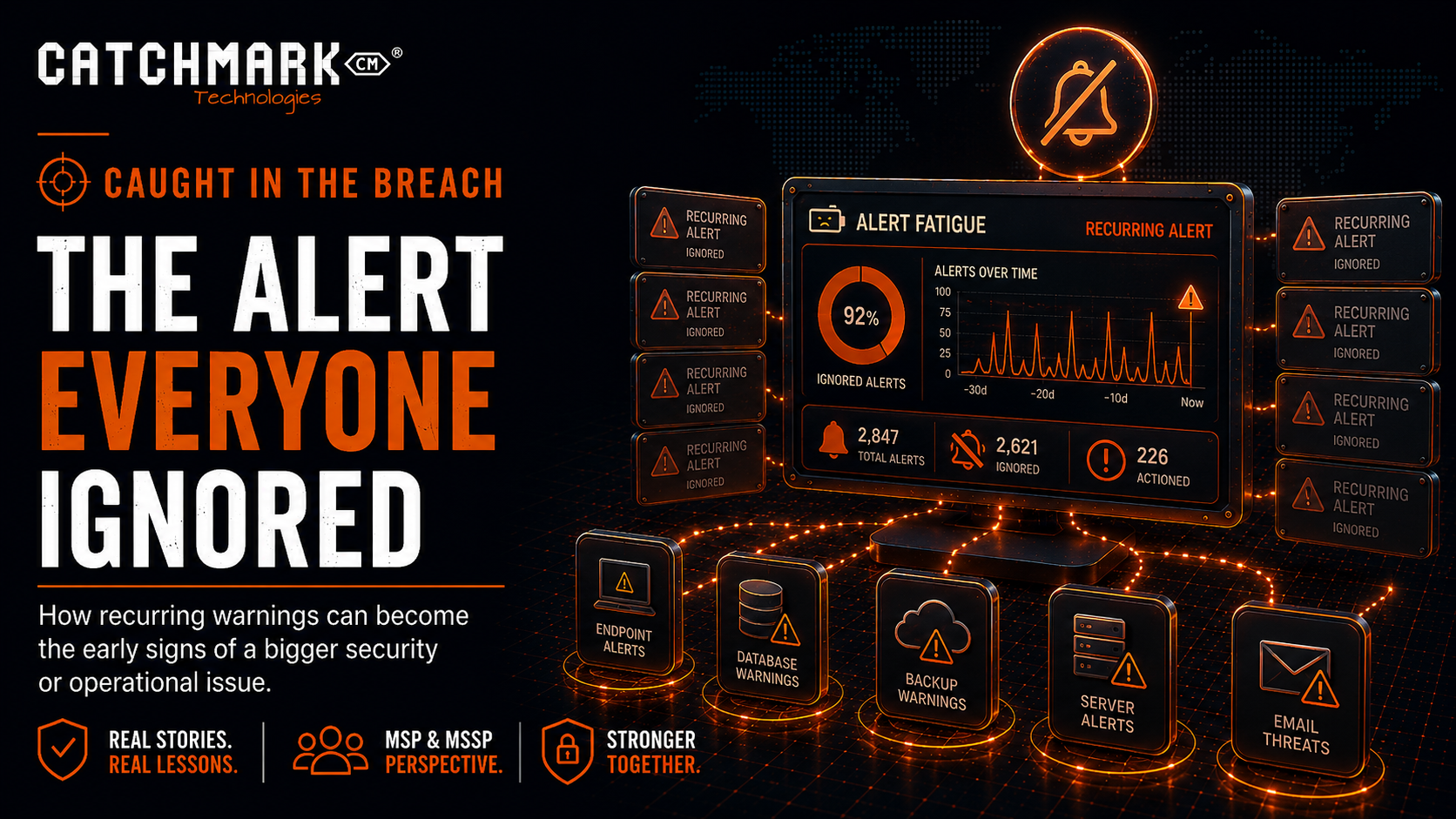
Alert fatigue is real.
Modern IT environments create a lot of noise. Monitoring tools, security platforms, backup systems, endpoint protection, firewalls, Microsoft 365, cloud applications, and vendor portals can all generate notifications.
Some alerts are urgent.
Some are informational.
Some are duplicates.
Some are poorly tuned.
Some are caused by temporary conditions.
Some are false positives.
When teams receive too many alerts without clear priority, people naturally start filtering them mentally. They learn which ones usually matter and which ones usually do not. That is understandable.
But it is also risky.
The more often an alert appears without visible consequences, the easier it becomes to dismiss.
That is how a warning becomes wallpaper.
The Difference Between an Alert and a Problem
One of the most important lessons in managed IT and cybersecurity is understanding the difference between an alert and a problem.
An alert is a signal.
A problem is the underlying cause.
Closing the alert does not necessarily solve the problem.
If the same alert keeps coming back, the goal should not be to repeatedly acknowledge it. The goal should be to understand why it keeps happening.
That shift matters.
A single failed backup may be an incident.
Recurring failed backups may be a problem.
A single endpoint alert may be an event.
Repeated alerts from the same device may indicate a deeper issue.
A one-time login anomaly may deserve review.
A pattern of risky sign-ins may suggest credential abuse, poor access controls, or user behavior that needs attention.
The value is in the pattern.
Where Businesses Commonly Fall Short
Most organizations do not ignore alerts because they do not care.
They ignore them because the process is unclear.
Common gaps include:
- No clear owner for specific alert types.
- Too many tools sending notifications to too many places.
- Alerts going to email inboxes that are not actively managed.
- No escalation process.
- No priority definitions.
- No distinction between one-time alerts and recurring patterns.
- No process for converting recurring alerts into problem tickets.
- No review of closed or ignored alerts.
- No tuning of noisy tools.
- No reporting to leadership on repeated issues.
The result is predictable.
Important alerts get buried with unimportant ones.
The Security Risk
In cybersecurity, ignored alerts can be costly.
Attackers rarely announce themselves clearly at the beginning. Early signals may be subtle:
- Unusual sign-ins.
- Repeated failed login attempts.
- New inbox rules.
- Disabled security tools.
- Suspicious PowerShell activity.
- Unexpected administrator activity.
- Endpoint protection warnings.
- New remote access sessions.
- Unusual data movement.
- Backup failures.
- MFA prompts users did not initiate.
Any one of these may have an innocent explanation.
A pattern should get attention.
Security monitoring is not just about having tools. It is about having people, process, and discipline behind those tools.
An alert that nobody investigates is not protection.
It is decoration.
The Backup Example
Backup alerts are one of the clearest examples.
A failed backup may not feel urgent if the system is currently working. No one is down. No one is complaining. The business keeps operating.
But if the failed backup is ignored, the organization may not discover the real impact until it needs to restore.
That is when the conversation becomes painful.
Why did the backup fail?
How long has it been failing?
Who was receiving the alert?
Why was it not escalated?
Do we have another copy?
Can we recover?
Those questions are much easier to answer before the outage.
The Endpoint Example
Endpoint alerts can follow the same pattern.
An employee’s workstation may generate repeated warnings. Maybe a security tool is out of date. Maybe protection is disabled. Maybe malware was blocked. Maybe suspicious behavior was detected and quarantined.
If the alert clears, it is tempting to move on.
But recurring endpoint alerts may indicate that the user is repeatedly exposed to risky websites, phishing attempts, unauthorized software, or compromised browser extensions.
The endpoint may not be fully compromised, but it may be showing signs of increased risk.
That deserves attention.
The Identity Example
Identity alerts are especially important.
Repeated failed logins, unfamiliar locations, impossible travel, unfamiliar devices, and unusual MFA behavior can all be early indicators of account compromise.
Many businesses only investigate identity alerts after money is stolen, email is abused, or data is accessed.
That is too late.
Identity has become one of the main attack paths for modern businesses. If risky sign-ins are not being reviewed, the organization may miss the early signs of a much larger problem.
What an MSP or MSSP Should Check
From an MSP or MSSP perspective, recurring alerts should trigger a structured review.
The questions should include:
- How often has this alert occurred?
- When did it start?
- Which system, user, or device is affected?
- Has the alert been previously acknowledged or closed?
- Was any root cause documented?
- Is the alert tied to a known recurring issue?
- Is the business impact understood?
- Does this need to become a problem ticket?
- Should the alert threshold or rule be tuned?
- Should this be escalated to leadership?
- Are there related alerts in other systems?
This type of review prevents teams from treating every alert as an isolated event.
The goal is not simply to clear the board.
The goal is to reduce risk.
The Importance of Problem Management
Problem management is not just an ITIL concept for large organizations.
It is practical common sense.
If the same thing keeps happening, stop treating it like a brand-new surprise.
Find the root cause.
Document it.
Assign ownership.
Fix it.
Verify the fix.
Communicate the outcome.
That approach applies to recurring backup failures, device health alerts, failed patches, application crashes, repeated login issues, wireless instability, phishing reports, and security tool warnings.
A recurring issue is not just a nuisance.
It may be a signal that a deeper control is weak.
The Business Owner’s View
For business owners, alert management can sound like an internal IT issue.
It is not.
Alerts are how your technology environment tells you something needs attention.
If those alerts are not reviewed, prioritized, and acted upon, your business may be operating with hidden risk.
You do not need to read every technical alert. But you should know that a process exists.
Ask your IT provider or internal team:
- Which alerts are considered critical?
- Who receives them?
- Who is responsible for responding?
- How quickly are they reviewed?
- What happens when the same alert repeats?
- Are recurring alerts converted into problem tickets?
- Are backup and security alerts included in regular reporting?
- How do we know alerts are not being ignored?
Good alert management creates accountability.
Poor alert management creates blind spots.
What To Do Now
Every organization should review its alert process.
Start simple.
Identify the tools that generate alerts. Determine where those alerts go. Confirm who is responsible for reviewing them. Define what must be escalated. Decide how recurring alerts will be handled. Tune noisy systems. Remove duplicate notifications. Create reports that show trends, not just individual events.
Then build discipline around recurring issues.
If an alert happens once, respond.
If it happens repeatedly, investigate.
If it keeps happening, treat it as a problem.
That small shift can prevent major issues later.
The Caught in the Breach Lesson
The lesson from this story is simple:
An alert that keeps coming back is trying to tell you something.
It may not always be urgent. It may not always be security-related. It may not always indicate a breach.
But it deserves attention.
The danger is not just the alert itself. The danger is the habit of ignoring it.
In cybersecurity and managed IT, many serious incidents begin with small signs that were visible before the damage was obvious.
Do not let repeated warnings become background noise.
Review the alert.
Find the pattern.
Fix the cause.
Because the alert everyone ignores may be the one that mattered most.
Facebook • Instagram • YouTube • TikTok • LinkedIn • X
Stay connected to what’s happening in our area by visiting CatchMark Community or what is going on in the world of local sports with CatchMark SportsNet.
Powered by CatchMark Technologies — helping people, solving problems. Explore more on our website