
After more than two decades in the technology industry, I have had the opportunity to see a lot.
I have seen businesses invest heavily in technology to become faster, more efficient, and more connected. That is usually a good thing. The right systems can streamline operations, improve customer service, reduce errors, and give leadership better visibility.
But I have also seen the other side of that dependency.
When everything depends on technology, the business needs to know what happens when that technology is unavailable.
Not just in theory.
In practice.
As always, the names, businesses, industries, and certain details have been modified to protect the innocent. The lesson, however, is very real.
The Setup
The day started like any other.
Employees arrived. Customers called. Work began. Systems came online. Then, one by one, people started noticing problems.
A critical platform was not responding correctly. Some users could not log in. Others could log in, but the system was painfully slow. A few transactions failed. Reports would not load. Employees started refreshing screens, restarting browsers, and asking each other if they were having the same issue.
They were.
At first, everyone assumed it was temporary. Maybe a quick outage. Maybe a local internet hiccup. Maybe something that would clear itself in a few minutes.
But the minutes kept passing.
The system did not recover.
And the business had work to do.
The First Question
When a major system becomes unavailable, the first question is usually technical:
“What is broken?”
That question matters, but it is not the only question.
The second question is more important for the business:
“What can we still do?”
That is where many organizations struggle.
They know how work gets done when everything is working. They know the normal process. They know which buttons to click, which dashboards to check, which forms to submit, and which systems update automatically.
But when the primary system goes down, the process becomes unclear.
Can orders still be taken?
Can appointments still be scheduled?
Can customer information still be accessed?
Can payments still be processed?
Can employees keep working?
Can managers still make decisions?
Can the business operate manually, even temporarily?
In this case, the answer was, “Sort of.”
And “sort of” became the problem.
Going Manual
Eventually, the team had to work around the system.
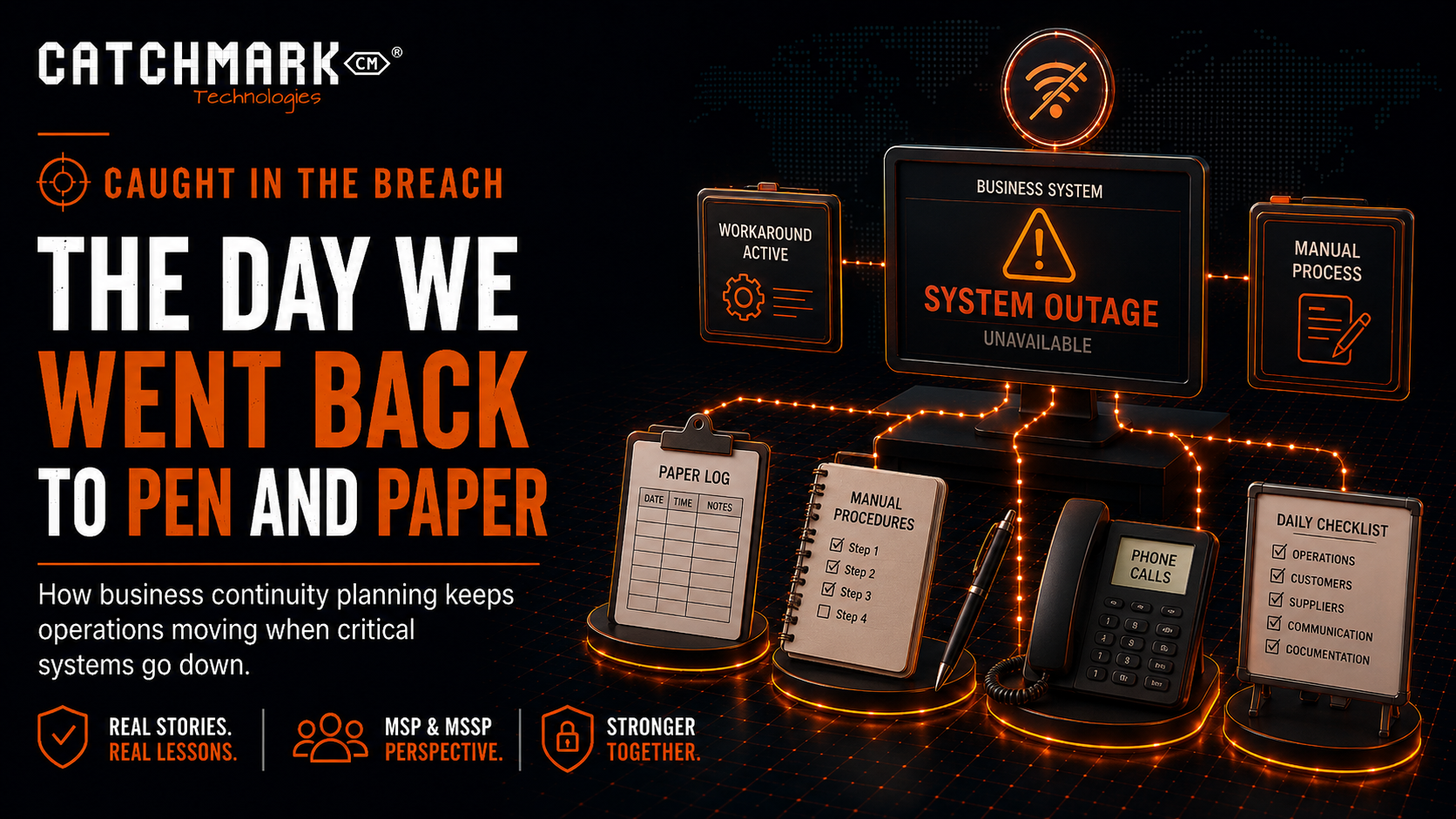
That meant notes on paper. Calls instead of digital updates. Manual tracking. Spreadsheets. Whiteboards. Shared documents. People walking across the office to confirm details that normally lived inside the platform.
It was not elegant.
But it kept some of the business moving.
The problem was that the manual process had not been clearly defined in advance. Some employees knew what to do. Others guessed. Some captured the right information. Others missed details. Some customers received clear communication. Others received uncertainty.
The team was trying to build the backup process while using it.
That is a stressful way to operate.
The Hidden Risk
Manual workarounds create risk.
They are sometimes necessary, but they are rarely perfect.
When people move quickly under pressure, mistakes happen. Information gets written down incorrectly. Requests are missed. Follow-up tasks fall through the cracks. Payments may not be recorded properly. Customer commitments may not be tracked. Sensitive information may be handled in ways that would never be allowed in the normal system.
During a technology outage, the goal is not just to keep working.
The goal is to keep working safely.
That requires planning.
Technology Dependency Is Business Dependency
Most businesses depend on more technology than they realize.
Email. Phones. Internet. Scheduling. Billing. Payroll. Accounting. Customer management. Payment processing. File storage. Remote access. Security tools. Industry-specific platforms. Vendor portals. Cloud applications.
Each system may feel separate, but together they form the operating backbone of the business.
When one of those systems becomes unavailable, the impact can spread quickly.
The issue might start as an IT problem, but it rarely stays there.
It becomes a customer service problem.
It becomes a cash flow problem.
It becomes a staffing problem.
It becomes a leadership problem.
It becomes a trust problem.
That is why business continuity planning matters.
The Difference Between Backup and Continuity
Backups are important, but they are not the same as business continuity.
A backup answers the question:
“Can we restore data?”
Business continuity answers a broader question:
“Can we keep operating?”
Those are very different things.
A business might have great backups and still be unable to operate during a vendor outage. It might be able to restore files but still have no way to process payments. It might have redundant internet but no manual procedure for customer orders. It might have a disaster recovery plan for servers but no plan for a cloud application being unavailable.
Continuity is about keeping the business functioning when normal systems are disrupted.
It is operational, not just technical.
The Common Mistake
The most common mistake is assuming that employees will figure it out.
They probably will try.
But during an outage, “figuring it out” is expensive.
It creates confusion. It slows response. It increases the chance of mistakes. It puts pressure on the most knowledgeable employees. It makes communication inconsistent. It can frustrate customers and leadership.
The better approach is to define the workaround before the outage.
That does not mean every scenario can be predicted. It does mean the business can prepare for the most likely disruptions.
If the internet goes down, what happens?
If phones go down, what happens?
If email is unavailable, what happens?
If the main business application is unavailable, what happens?
If the payment system is unavailable, what happens?
If a vendor platform is down for a full day, what happens?
These questions are not negative thinking. They are responsible planning.
What an MSP or MSSP Should Check
From an MSP or MSSP perspective, business continuity should be part of the broader risk conversation.
The review should include:
- Which systems are mission critical?
- Which systems are important but not urgent?
- Which vendors support critical business functions?
- What happens if each critical system is unavailable?
- Are manual workarounds documented?
- Who has authority to activate those workarounds?
- How will employees communicate during an outage?
- How will customers be informed?
- How will manual transactions be reconciled later?
- Where are emergency contact lists stored?
- Are offline copies of key procedures available?
- Are critical forms or templates accessible if systems are down?
- Has the workaround ever been tested?
The last question matters most.
A plan that has never been tested is still an assumption.
The Security Angle
Business continuity is not only about outages.
It is also about cybersecurity.
During a cyber incident, normal systems may be intentionally taken offline. Email may be restricted. Remote access may be disabled. A file server may be isolated. A vendor portal may be unavailable. A suspicious device may need to be disconnected. Accounts may need to be locked while the investigation happens.
In those moments, the business still needs a safe way to communicate and operate.
That is where preplanned alternatives matter.
If email is compromised, how will leadership communicate?
If shared files are unavailable, where are incident procedures stored?
If phones are down, how will customers reach the business?
If accounting systems are unavailable, how will payments be tracked?
If the main operating system is offline, how will work continue?
Cybersecurity response and business continuity are connected.
You cannot respond well if the business has no way to function.
The Communication Problem
In this story, one of the hardest parts was communication.
Employees wanted updates. Customers wanted answers. Leadership wanted timelines. The vendor was vague. The technical team was still investigating. Nobody wanted to overpromise.
That is common.
During an outage, poor communication can make a bad situation feel worse.
A good continuity plan should include a communication plan.
Who updates employees?
Who updates customers?
Who talks to the vendor?
Who communicates with leadership?
How often will updates be provided?
What should employees say if customers ask questions?
Where will updates be posted if email is unavailable?
Clear communication does not fix the outage, but it reduces confusion.
The Recovery After the Recovery
When systems came back online, the work was not over.
Manual records had to be entered. Notes had to be reviewed. Transactions had to be reconciled. Customer follow-ups had to be confirmed. Missed items had to be identified. Leadership needed a summary of what happened and what should be improved.
That step is easy to overlook.
After an outage, everyone wants to move on. But the cleanup matters.
If manual work is not reconciled properly, the business can carry hidden errors forward.
A good recovery process includes returning to normal operations carefully, not just quickly.
The Business Owner’s View
Business owners do not need a 100-page continuity plan that nobody reads.
They need a practical plan people can use.
Start with the basics:
- What are the five systems we cannot operate without?
- What would we do if each one was unavailable?
- Who makes decisions during an outage?
- How do we communicate with employees?
- How do we communicate with customers?
- What manual process keeps the business moving?
- How do we reconcile manual work later?
- Where is the plan stored?
- Has the team practiced it?
If leadership cannot answer those questions, the business is relying on luck.
Luck is not a strategy.
What To Do Now
Pick one critical system and run a simple tabletop exercise.
Ask the team to imagine that system is unavailable for one business day.
Then walk through the questions:
What breaks first?
Who notices?
Who gets called?
What work stops?
What work can continue?
What information do employees need?
What do customers need to know?
What manual process can be used?
What risks does that manual process create?
What needs to be documented?
This exercise does not need to be complicated. It just needs to be honest.
The goal is not to scare people.
The goal is to find gaps while there is still time to fix them.
The Caught in the Breach Lesson
The lesson from this story is simple:
If your business cannot operate without technology, you need a plan for when technology is unavailable.
That does not mean abandoning modern systems. It means respecting how important they have become.
Technology helps businesses move faster, serve better, and scale smarter. But when a critical system goes down, the business needs more than a help desk ticket.
It needs a continuity plan.
Document the workarounds.
Define the communication process.
Test the plan.
Train the team.
Because the middle of an outage is the worst time to discover that nobody knows how to go back to pen and paper.
Facebook • Instagram • YouTube • TikTok • LinkedIn • X
Stay connected to what’s happening in our area by visiting CatchMark Community or what is going on in the world of local sports with CatchMark SportsNet.
Powered by CatchMark Technologies — helping people, solving problems. Explore more on our website