
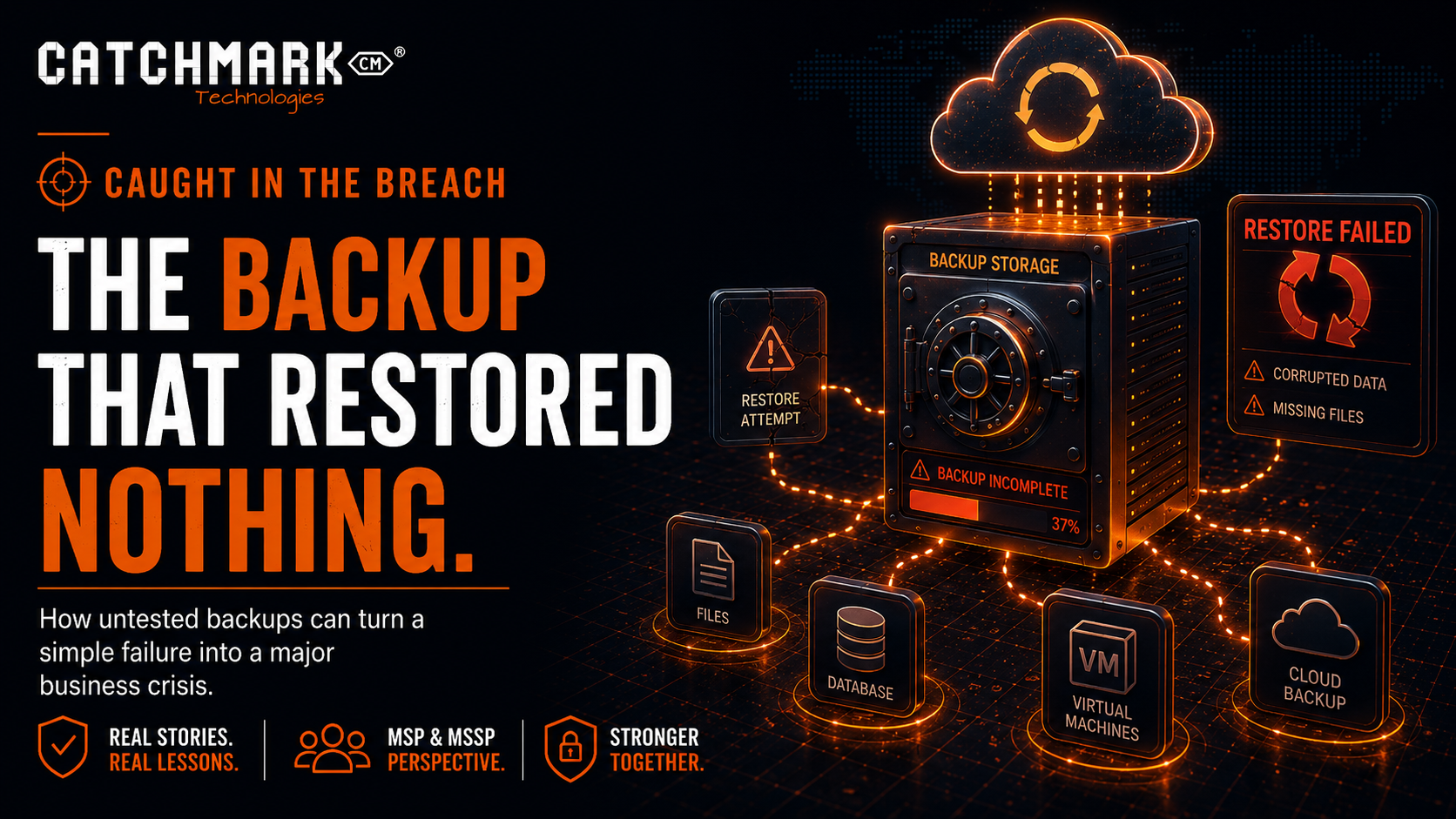
After more than two decades in the technology industry, I have had the opportunity to see a lot.
I have seen businesses saved by good planning. I have also seen businesses suffer because everyone assumed a plan existed when it really did not. Few areas reveal that more clearly than backups.
Backups are one of those things almost every business believes it has under control. Someone set them up. A dashboard shows green check marks. A report arrives by email. A vendor says the data is protected. Everyone moves on.
Until something goes wrong.
Then the question changes from, “Do we have backups?” to “Can we actually restore?”
Those are not the same question.
As always, the names, businesses, industries, and certain details have been modified to protect the innocent. The lesson, however, is very real.
The Setup
The issue started with a system failure.
At first, it did not feel like a crisis. A server was unstable. A critical application was not responding correctly. Users were frustrated, but the assumption was that the data was protected. After all, there was a backup solution in place.
The client had been told the system was being backed up.
Reports had been generated.
Alerts had been quiet.
The backup console looked mostly normal.
So, the team moved into recovery mode. The plan was simple: restore the affected system and get people back to work.
That is when the real problem appeared.
The backup existed, but it did not restore the way everyone expected.
The Moment Everything Changed
There is a specific kind of silence that happens when a restore fails.
People stop talking in confident terms. The troubleshooting becomes slower. The questions become more careful.
When was the last good backup?
Has anyone tested this before?
Is the application data actually included?
Do we have the right credentials?
Where is the encryption key?
Is this backup corrupted?
Why is the restore taking so long?
Can we restore just the files?
Can we restore the full machine?
Is there another copy somewhere?
That is the moment a technical issue becomes a business problem.
The business thought it had a safety net. In reality, the safety net had not been tested.
The Dangerous Assumption
The dangerous assumption was simple:
A successful backup means a successful recovery.
That is not always true.
A backup job can complete successfully while still failing to protect what the business actually needs. It might back up the wrong folders. It might miss the database. It might capture files but not application settings. It might exclude a critical server. It might rely on credentials that no longer work. It might store data in a location that is not available during an outage. It might be too old to be useful. It might restore, but not fast enough to meet the business need.
The backup report may say “success.”
The business may still be in trouble.
Why Backups Fail When Needed Most
Backups usually fail for practical reasons, not dramatic ones.
Common problems include:
- No one tested the restore process.
- The backup did not include all required systems.
- The retention period was too short.
- The backup was corrupted.
- The restore process was too slow.
- The backup was connected to the same environment that failed.
- Credentials or encryption keys were missing.
- The application required special recovery steps.
- The backup job succeeded, but the data was incomplete.
- The business never defined how quickly systems needed to be restored.
- No one documented who was responsible during recovery.
These issues are preventable, but only if they are discovered before the emergency.
A disaster is a terrible time to learn how your backup system really works.
The Ransomware Connection
Backups are not just an IT operations issue. They are a cybersecurity issue.
In a ransomware event, attackers often try to destroy, encrypt, or disable backups before encrypting production systems. They know backups are one of the few things that can give a business leverage during recovery.
If backups are not isolated, monitored, protected, and tested, they may not be available when needed.
That is why modern backup strategy has to account for hostile conditions.
It is not enough to ask, “Do we have a copy of the data?”
Better questions include:
- Can attackers access the backup system?
- Are backups protected by MFA?
- Are backups immutable or otherwise protected from tampering?
- Are backup admin accounts separate from normal admin accounts?
- Are failed backup jobs reviewed quickly?
- Are restores tested regularly?
- Are backups stored separately from the production environment?
- Do we know how long recovery will take?
- Do we know which systems must come back first?
A backup strategy that works for accidental deletion may not be strong enough for ransomware.
The Business Impact
When a restore fails, the damage is not limited to the IT department.
Employees cannot work. Customers wait. Orders slow down. Billing may stop. Production may pause. Leadership loses confidence. The team starts making decisions under pressure.
The financial impact can grow quickly.
Downtime has a cost. Lost data has a cost. Rework has a cost. Customer frustration has a cost. Emergency response has a cost. Reputational damage has a cost.
For some businesses, the greatest risk is not losing every piece of data. It is losing enough access, for long enough, that operations cannot continue normally.
That is why recovery planning matters.
Backups protect data.
Recovery protects the business.
What an MSP or MSSP Should Check
From an MSP or MSSP perspective, backup management should be more than watching green check marks.
A proper backup review should include:
- Confirming what systems are included.
- Confirming what systems are excluded.
- Reviewing backup frequency.
- Reviewing retention settings.
- Verifying offsite or cloud copies.
- Confirming whether backups are protected from deletion or encryption.
- Reviewing backup administrator access.
- Requiring MFA for backup consoles.
- Testing file-level restores.
- Testing full system restores.
- Testing application-aware restores when needed.
- Documenting restore steps.
- Measuring actual recovery time.
- Reviewing backup alerts and failures.
- Confirming who receives and acts on backup notifications.
The most important part is testing.
A backup that has never been restored is only a theory.
Recovery Time and Recovery Point
Business leaders do not need to know every technical detail of backup software, but they should understand two simple concepts.
Recovery Time Objective means how long the business can tolerate being down.
Recovery Point Objective means how much data the business can afford to lose.
For example, if a system is backed up once per day, the business could lose up to a day of data. That might be acceptable for some systems. It might be unacceptable for others.
If a system takes two days to restore, that may be fine for an archive server. It may be catastrophic for a production system, billing platform, or scheduling application.
Different systems need different recovery expectations.
Not everything is equally critical.
But the business should decide that before the outage, not during it.
The Hidden Gap: Nobody Owned the Process
In this story, the technology was only part of the issue.
The bigger problem was ownership.
People assumed someone else had tested the backups. Someone else had documented the restore process. Someone else knew which systems mattered most. Someone else was watching the alerts. Someone else knew where the credentials were. Someone else had verified the plan.
That kind of assumption is dangerous.
Backups need an owner.
Recovery needs a process.
Leadership needs visibility.
Without ownership, even good tools can fail to deliver good outcomes.
What Business Leaders Should Ask
If you are a business owner or executive, ask your IT provider or internal team these questions:
- What systems are backed up?
- What systems are not backed up?
- How often do backups run?
- How long are backups retained?
- Are backups protected from ransomware?
- Who has administrative access to the backup system?
- Is MFA required for the backup console?
- When was the last successful restore test?
- What exactly was restored during the test?
- How long did the restore take?
- Which systems would be restored first during an emergency?
- Where is the recovery process documented?
These are fair questions.
If the answers are unclear, the backup plan needs attention.
What To Do Now
Every organization should schedule regular restore testing.
Not just backup checks.
Restore testing.
Start small if needed. Restore a file. Restore a folder. Restore a mailbox. Restore a database. Restore a virtual machine. Validate that the restored system actually works.
Then document the results.
What worked?
What failed?
How long did it take?
Who was involved?
What would be done differently next time?
Over time, this turns backups from a checkbox into a real recovery capability.
The Caught in the Breach Lesson
The lesson from this story is simple:
A backup is only valuable if it can restore what the business needs, when the business needs it.
Green check marks are not enough.
Reports are not enough.
Assumptions are not enough.
You need tested, documented, protected recovery.
Because when a system fails, when data disappears, or when ransomware hits, the question will not be whether someone bought a backup product.
The question will be whether the business can recover.
And the worst time to find out the answer is after everything is already down.
Facebook • Instagram • YouTube • TikTok • LinkedIn • X
Stay connected to what’s happening in our area by visiting CatchMark Community or what is going on in the world of local sports with CatchMark SportsNet.
Powered by CatchMark Technologies — helping people, solving problems. Explore more on our website