
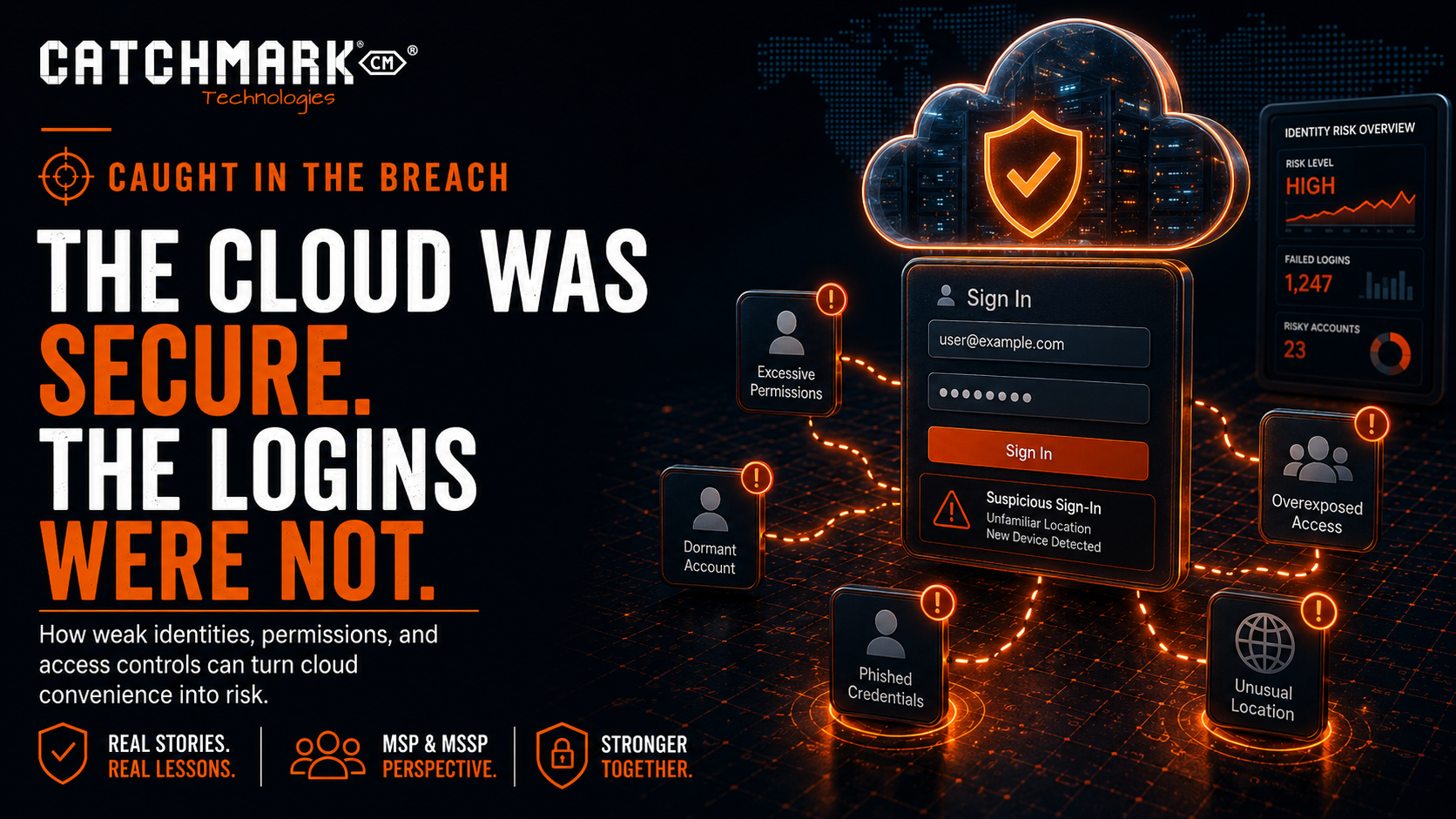
After more than two decades in the technology industry, I have had the opportunity to see a lot.
I have seen businesses transformed by technology. I have seen teams become faster, smarter, and more connected because of cloud platforms, modern applications, and remote access tools. I have also seen those same tools become dangerous when businesses assume that “cloud” automatically means “secure.”
That assumption is one of the most common mistakes we see in the MSP and MSSP world.
Cloud platforms are powerful. They are convenient. They are often more resilient than anything a small or mid-sized business could build on its own. But cloud systems still rely on people, permissions, passwords, devices, and configuration. If those pieces are weak, the cloud does not magically save you.
It simply gives attackers a new place to log in.
As always, the names, businesses, industries, and certain details have been modified to protect the innocent. The lesson, however, is very real.
The Setup
A business had moved most of its important systems to the cloud.
Email was in the cloud. Files were in the cloud. Customer records were in the cloud. Finance tools were in the cloud. Reporting was in the cloud. The business had embraced modern technology because it made work easier.
Employees could work from the office, from home, from a hotel, from a customer site, or from their phones.
Everything felt flexible.
Everything felt efficient.
Everything felt secure.
Then the alerts started.
There were unusual logins. Some came from locations that did not match the user’s normal behavior. Some happened at odd hours. Some were successful. Some failed. Some appeared to involve accounts that had access to sensitive information.
At first, the situation was not obvious.
No server was blinking red in a closet. No firewall was screaming. No ransomware note was sitting on a desktop. Nothing looked like a traditional breach.
But something was wrong.
Someone was trying to get into cloud accounts.
And in some cases, they were succeeding.
The First Mistake
The first mistake was the assumption that the cloud provider handled all security.
That is a dangerous misunderstanding.
Cloud providers are responsible for securing the underlying platform. They build the infrastructure, maintain uptime, patch their systems, and provide security features.
But the business is still responsible for how its users access the platform.
That includes:
- User accounts.
- Password practices.
- Multifactor authentication.
- Conditional access rules.
- Administrator privileges.
- Device trust.
- Sharing settings.
- External access.
- Data permissions.
- Monitoring and alerts.
- Offboarding.
The platform may be secure, but that does not mean every customer configuration is secure.
A strong door does not help if the wrong person has a key.
How the Attack Worked
The attacker did not need to break into the cloud provider.
They simply used valid credentials.
That is what makes cloud account compromise so dangerous. From the system’s point of view, a login with a correct username and password can look legitimate. If MFA is missing, weak, or misconfigured, attackers may be able to walk right in.
The credentials may have come from a phishing email. They may have been reused from another breach. They may have been harvested by malware. They may have been purchased from a criminal marketplace. They may have been guessed because the password was weak.
The source matters, but the result is the same.
Someone who was not supposed to have access now had a valid way in.
Once inside, attackers often move quietly.
They may search email. They may create forwarding rules. They may download files. They may review invoices. They may study conversations. They may look for financial data. They may identify executives. They may prepare for business email compromise. They may create persistence so they can come back later.
A cloud breach does not always announce itself immediately.
Sometimes it watches first.
The Warning Signs
In this case, there were signs.
There were login attempts from unusual locations. There were sign-ins outside normal working hours. There were repeated failures followed by success. There were attempts against multiple users. There were changes to account behavior that did not match the user’s normal pattern.
None of those signs alone proved a breach.
Together, they told a story.
That is where monitoring matters.
Security is not only about blocking attacks. It is also about seeing patterns early enough to respond before the damage spreads.
If nobody is reviewing alerts, risky sign-ins, inbox rules, impossible travel, failed authentication, and administrative changes, the organization may not know there is a problem until money, data, or trust has already been lost.
The Real Problem
The real problem was not that the business used cloud tools.
The real problem was that identity had become the new perimeter, but the security strategy had not caught up.
Years ago, businesses often thought about security in terms of the office network. If something was inside the firewall, it was trusted. If something was outside the firewall, it was not.
That model no longer works by itself.
Today, users access business data from everywhere. Applications live outside the building. Employees use laptops, phones, tablets, and browsers. Vendors connect remotely. Data moves between platforms.
The question is no longer just, “Is this traffic inside the network?”
The better questions are:
- Who is logging in?
- From what device?
- From what location?
- Under what conditions?
- What are they trying to access?
- Is this normal for that user?
- What happens if the login is risky?
- Are we watching what happens after login?
That is identity security.
And for most businesses, it is now one of the most important parts of cybersecurity.
Where Businesses Commonly Fall Short
Cloud security gaps usually develop quietly.
A business starts with a simple setup. Then it adds users. Then it adds applications. Then it adds vendors. Then it adds remote workers. Then it adds mobile access. Then it adds integrations. Then it adds exceptions because someone needs access quickly.
Over time, the environment becomes more complicated.
Common gaps include:
- MFA not required for every user.
- MFA not required for administrators.
- Legacy authentication still enabled.
- Weak conditional access policies.
- Too many global administrators.
- Users with more access than they need.
- External sharing settings that are too broad.
- Former employees still active in SaaS platforms.
- Shared mailboxes or service accounts without proper controls.
- No regular review of risky sign-ins.
- No alerting for suspicious inbox rules.
- No documented response process for account compromise.
None of these issues mean the cloud is bad.
They mean the cloud needs to be managed.
What an MSP or MSSP Should Check
When suspicious cloud activity is discovered, an MSP or MSSP should not stop at changing one password.
That may be necessary, but it is not enough.
A proper response should include:
- Confirming whether the account was accessed.
- Reviewing sign-in logs.
- Checking MFA status and methods.
- Revoking active sessions.
- Resetting the password.
- Reviewing mailbox forwarding rules.
- Checking inbox rules.
- Reviewing file access and downloads.
- Checking administrator role assignments.
- Looking for newly created users or apps.
- Reviewing external sharing activity.
- Checking connected third-party applications.
- Confirming whether other accounts were targeted.
- Preserving evidence when appropriate.
- Documenting the timeline.
- Communicating clearly with leadership.
The goal is to answer three basic questions:
What happened?
How far did it go?
What do we need to change so it does not happen again?
Why Password Resets Are Not Enough
One of the most common mistakes after a suspected account compromise is to simply reset the password and move on.
That is not enough.
If the attacker already logged in, they may have created ways to maintain access. They may have added forwarding rules. They may have registered another MFA method. They may have granted permissions to a malicious application. They may have downloaded files. They may have studied email threads for future fraud.
A password reset closes one door.
It does not automatically clean up everything that happened while the door was open.
That is why account compromise response needs a checklist. It should be repeatable, documented, and thorough.
The Business Email Compromise Risk
Cloud account compromise often leads to business email compromise.
That is where the financial risk becomes very real.
If an attacker gains access to a mailbox, they may monitor conversations and wait for the right moment. They may look for invoices, payment discussions, vendor relationships, wire transfer details, or customer communications.
Then they strike.
They may send a fake payment instruction. They may change bank details. They may impersonate an executive. They may reply inside an existing email thread, making the message look legitimate. They may use the compromised account to trick customers, vendors, or employees.
This is why cloud account compromise is not just an IT issue.
It can become a financial issue, a legal issue, a customer trust issue, and a leadership issue.
The Business Owner’s View
For business owners, the cloud can create a false sense of comfort.
The platform is reliable. The interface looks professional. The vendor is reputable. The system is always available. Therefore, it feels secure.
But security depends on configuration and oversight.
A business owner does not need to know every technical setting, but they should ask better questions:
- Is MFA required for every user?
- Are administrators protected with stronger controls?
- Are risky sign-ins monitored?
- Are users blocked from logging in under suspicious conditions?
- Are old accounts removed quickly?
- Are external sharing settings reviewed?
- Are mailbox rules monitored?
- Do we know what to do if an account is compromised?
- Can we prove these controls are in place?
If the answer is “I think so,” that is not enough.
You need to know.
What To Do Now
Every organization using cloud applications should take a few practical steps.
Start with identity.
Review every user account. Confirm who needs access and who does not. Remove inactive users. Require MFA. Eliminate shared accounts where possible. Limit administrator privileges. Review vendor access. Turn off legacy authentication when possible. Monitor risky sign-ins. Create alerts for suspicious mailbox activity.
Then review the data.
Know what is stored in the cloud. Know who can access it. Know what is shared externally. Know whether sensitive data is protected appropriately.
Then review the response plan.
If a user reports suspicious activity, what happens next? Who investigates? Who disables access? Who reviews logs? Who communicates with leadership? Who decides whether customers, vendors, or insurers need to be notified?
Do not build the plan during the incident.
Build it before.
The Caught in the Breach Lesson
The lesson from this story is simple:
The cloud may be secure, but your logins still have to be protected.
Attackers do not need to defeat a major cloud provider if they can steal one user’s credentials. They do not need to break the platform if they can abuse a weak configuration. They do not need to hack the whole company if one mailbox gives them what they need.
Cloud security starts with identity.
Protect the login. Protect the user. Protect the device. Protect the data. Watch for abnormal behavior.
Do not assume the cloud is safe because the provider is reputable.
Verify your settings.
Review your users.
Monitor your alerts.
Because in the cloud, the front door is not a building.
It is an account.
Facebook • Instagram • YouTube • TikTok • LinkedIn • X
Stay connected to what’s happening in our area by visiting CatchMark Community or what is going on in the world of local sports with CatchMark SportsNet.
Powered by CatchMark Technologies — helping people, solving problems. Explore more on our website