
After more than two decades in the technology industry, I have had the opportunity to see a lot.
Some of it has been impressive. Some of it has been frustrating. Some of it has been a reminder that most cybersecurity incidents do not begin with a dramatic movie-style hack. They usually begin with something simple. A missed setting. A forgotten account. A process that worked fine until it didn’t. A system that everyone assumed was secure because nobody had looked closely in a while.
Working in and around managed IT, cybersecurity, compliance, and business operations has given me a front-row seat to many of these situations. Some were actual incidents. Some were near misses. Some were quiet discoveries that made everyone in the room pause and say, “We should fix that before it becomes a problem.”
That is the purpose of this series.
Caught in the Breach is a collection of real-world security lessons from the MSP and MSSP front lines. The names, businesses, industries, and certain details have been modified to protect the innocent. The lessons, however, are very real.
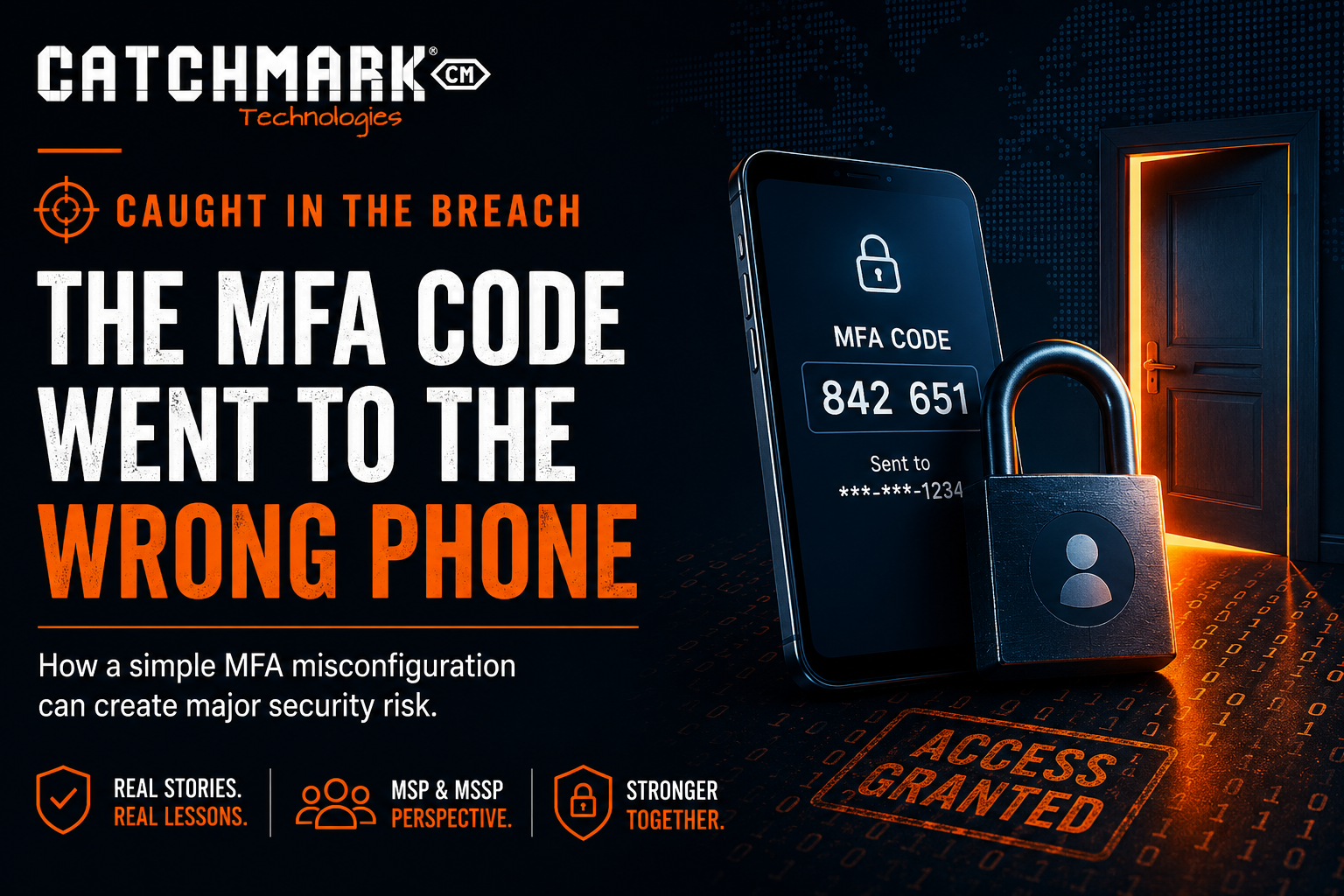
This first story begins with a simple sentence:
“I’m trying to log in, but the MFA code is going to someone else’s phone.”
The Setup
A team member needed access to a business system. Nothing unusual. It was a normal workday, a normal login, and a normal request.
The username and password worked.
Then came the multifactor authentication prompt.
The problem was that the code did not go to the person trying to log in. It went to someone else.
At first, this might seem like a minor inconvenience. Someone could forward the code. Someone could approve the prompt. Someone could say, “No big deal, we’ll fix it later.”
But in cybersecurity, “we’ll fix it later” is often where risk begins.
Why This Matters
Multifactor authentication, or MFA, is supposed to answer a very important question:
Is the person logging in actually the person who should have access?
When the MFA prompt goes to the wrong phone, that question is no longer being answered correctly.
The system is no longer verifying the actual user. It is verifying whoever controls the device tied to the account.
That may sound like a small distinction, but it matters.
If the wrong person can approve access, then MFA has become weaker than everyone thinks. It may still look secure on paper, but in practice, it is protecting the wrong identity.
How This Happens
This kind of issue is more common than people realize.
Businesses grow. Employees change roles. Vendors come and go. Systems are added. Administrators help each other get things done. Temporary workarounds become permanent. Shared accounts survive longer than they should. Someone sets up MFA quickly during implementation, then nobody revisits it.
Eventually, an account that was supposed to belong to one person is tied to another person’s phone.
Common causes include:
- A shared administrative account tied to one employee’s device.
- A former employee’s phone number still attached to an account.
- A vendor or technician who set up MFA during implementation and never transferred ownership.
- A business owner’s phone being used for multiple accounts.
- An emergency account that was never documented properly.
- A system that does not support modern identity management.
- A lack of regular access reviews.
None of these are unusual. That is what makes them dangerous.
They feel normal.
The Risk
The immediate risk is unauthorized access.
If someone else receives the MFA code, that person may be able to approve a login they did not initiate. In some cases, they may not even know what system the code belongs to. If they are busy, distracted, or trying to be helpful, they may approve the request without thinking much about it.
The bigger risk is that the organization has lost visibility into who actually controls access.
That creates several problems:
- You may not know who can approve logins.
- You may not know who has access to administrative accounts.
- You may not know whether former employees or vendors still have influence over authentication.
- You may not be able to prove who accessed a system.
- You may not be able to respond quickly during an incident.
- You may believe MFA is protecting you when it is not protecting the right thing.
In a security review, this type of issue is a warning sign. Not because one MFA method was misconfigured, but because it suggests the organization may not have a strong identity management process.
The Bigger Lesson
MFA is not just a checkbox.
It is not enough to say, “Yes, we use MFA.”
The better question is:
“Is MFA assigned to the right person, on the right account, for the right reason?”
That is where many businesses fall short.
They enable MFA, but they do not review it. They protect email, but forget remote access. They secure user accounts, but leave shared admin accounts exposed. They require MFA for employees, but not vendors. They remove someone’s email access after they leave, but forget the line-of-business application they used every day.
Attackers do not need every door to be open.
They only need one.
What an MSP or MSSP Should Check
From an MSP or MSSP perspective, this is the kind of issue that should trigger a broader review.
The goal is not simply to fix the one account. The goal is to understand whether the same problem exists elsewhere.
A proper review should include:
- Which accounts have MFA enabled?
- Which accounts are excluded from MFA?
- Which phone numbers or authentication apps are tied to each account?
- Are shared accounts being used?
- Are administrative accounts assigned to named individuals?
- Are vendor accounts reviewed regularly?
- Are former employees fully removed from all systems?
- Are emergency accounts documented and monitored?
- Are authentication logs being reviewed?
- Are users trained not to approve unexpected MFA prompts?
The answer to these questions should not live in someone’s memory.
It should be documented.
Why Shared Accounts Are a Problem
Shared accounts are one of the most common sources of identity confusion.
They are convenient. They are also risky.
When multiple people use the same login, it becomes difficult to know who actually accessed the system. If something goes wrong, audit logs may show that the shared account logged in, but not which person was behind the keyboard.
That creates problems for accountability, compliance, troubleshooting, and incident response.
Shared accounts also make MFA messy. If one person’s phone is tied to the account, everyone else has to rely on that person to approve access. If that person leaves the company, changes phones, goes on vacation, or is unavailable during an emergency, access becomes a problem.
Even worse, if that person’s device is compromised, the shared account may become exposed.
Named accounts are cleaner. Each person has their own identity. Access can be granted based on role. MFA can be tied to the right user. Logs are more meaningful. Offboarding is easier. Accountability is stronger.
The Business Owner’s View
For business owners and executives, this may sound like a small technical issue.
It is not.
This is really about control.
Who can access your systems? Who can approve access? Who has administrative rights? Who still has access after leaving? Who can get into your financial systems, customer data, email, backups, or remote access tools?
If the answer is unclear, your business has risk.
And that risk will usually appear at the worst possible time.
It may show up during a breach. It may show up during an employee departure. It may show up during a cyber insurance renewal. It may show up during an audit. It may show up when a vendor relationship ends badly. It may show up when someone urgently needs access and nobody knows where the MFA prompt is going.
That is why identity management deserves attention before there is an emergency.
What To Do Now
Here are practical steps every organization should take:
- Review all MFA assignments.
- Eliminate shared accounts wherever possible.
- Require named administrative accounts.
- Remove inactive users.
- Review vendor access.
- Confirm that former employees no longer have access.
- Require MFA for remote access, email, financial systems, and administrative portals.
- Document emergency access procedures.
- Monitor risky sign-ins and unexpected MFA prompts.
- Train users to report MFA prompts they did not initiate.
These steps are not flashy, but they are effective.
Most security improvement is not glamorous. It is disciplined.
The Caught in the Breach Lesson
The lesson from this story is simple:
MFA only works when it verifies the right person.
If the MFA code goes to the wrong phone, the organization does not have an MFA problem. It has an identity management problem.
And identity is one of the most important parts of modern cybersecurity.
Before attackers try to exploit advanced vulnerabilities, they often try the simplest thing first. They look for a valid username, a valid password, and a weak authentication process.
Do not make it easy for them.
Review the accounts. Verify the MFA methods. Remove the exceptions. Document the process.
Because the worst time to discover that your MFA points to the wrong person is when someone is already trying to get in.
Follow along on social media for daily updates, community highlights, and moments that happen between the headlines.
Facebook • Instagram • YouTube • TikTok • LinkedIn • X
Stay connected to what’s happening in our area by visiting CatchMark Community or what is going on in the world of local sports with CatchMark SportsNet.
Powered by CatchMark Technologies — helping people, solving problems. Explore more on our website.