
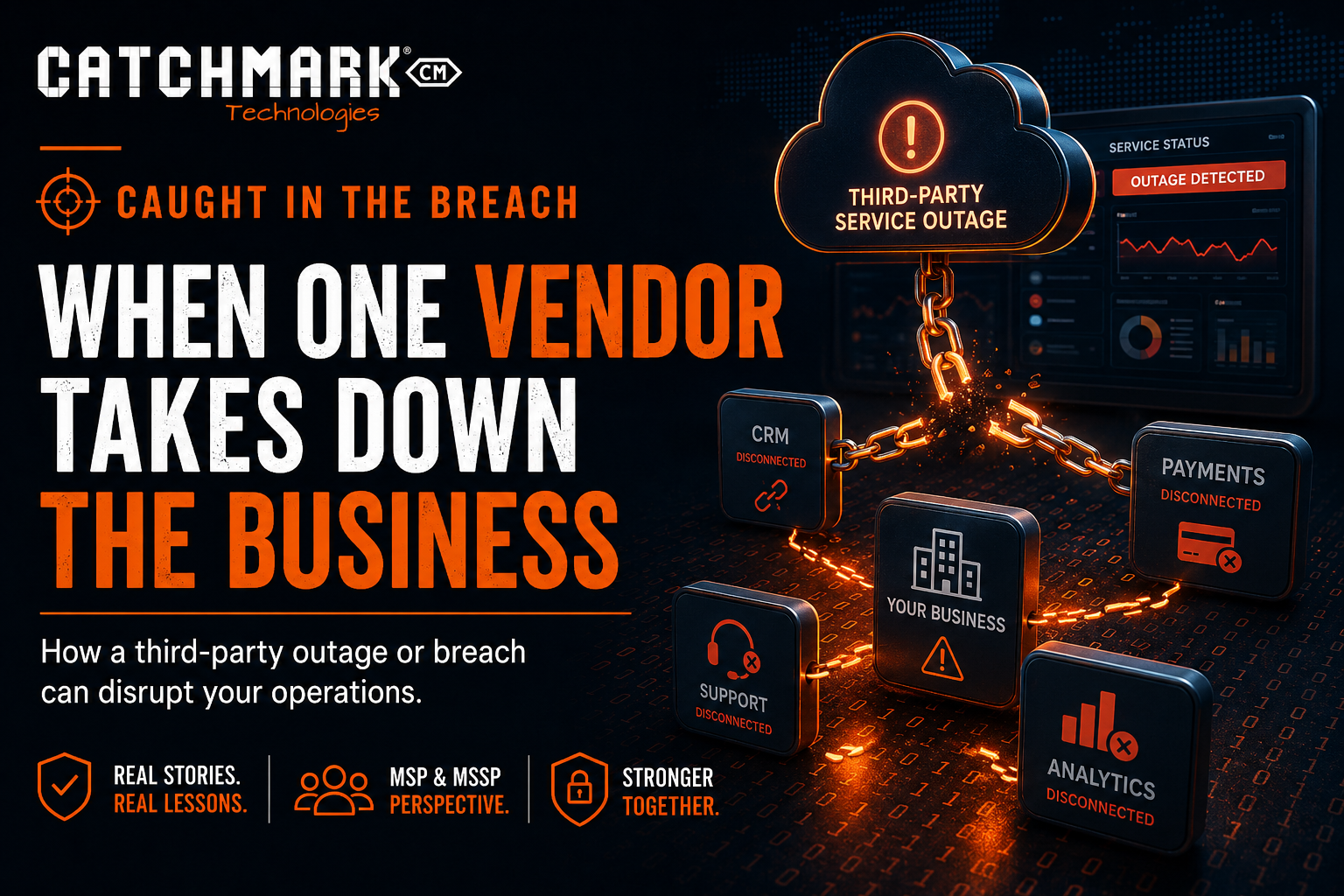
After more than two decades in the technology industry, I have had the opportunity to see a lot.
Some stories begin with a suspicious email. Others begin with a failed backup, a missing patch, or a user who clicked something they should not have clicked. But some of the most difficult situations begin with a sentence that makes every business owner uncomfortable:
“It is not our system that is down. It is our vendor’s.”
That is a hard moment.
As an MSP and MSSP, you can prepare a business. You can secure the network. You can monitor endpoints. You can review backups. You can build response plans. You can harden Microsoft 365. You can train users. But every business still depends on other companies, other platforms, and other systems.
When one of those vendors has a serious cyber incident or outage, the impact can land directly on your business.
That is the focus of this story.
As always, the names, businesses, industries, and certain details have been modified to protect the innocent. The lesson, however, is very real.
The Setup
The call came in early.
A client’s core business application was not working. Employees could not process normal work. Customers were waiting. Phones were ringing. Leadership wanted answers.
At first, everyone assumed it was a local issue.
Maybe the internet was down. Maybe a firewall rule had changed. Maybe a workstation update broke something. Maybe there was a DNS problem. Maybe the application needed to be restarted.
The technical team started checking the normal things.
Internet connection: working.
Firewall: online.
Internal network: stable.
Workstations: communicating.
Other cloud services: accessible.
Then the pattern became clear.
The client’s environment was not the problem.
The vendor platform was unavailable.
And the client’s business depended on it.
The Moment of Realization
There is a specific moment in these situations when the conversation changes.
At first, the question is technical:
“Why is the system not working?”
Then it becomes operational:
“How long can we run without it?”
That is the moment when a technology outage becomes a business continuity issue.
The client needed that vendor platform to perform daily work. Without it, employees had to slow down, wait, improvise, or use manual workarounds. Some tasks stopped completely. Others became inefficient. Customer service suffered. Leadership had to decide what could continue and what had to pause.
The most frustrating part was that the client had very little control over the fix.
The system was not in their server room. It was not managed by their internal team. It was not something an MSP could simply reboot, restore, or patch.
It belonged to a third party.
Why This Matters
Most businesses do not think of vendor risk until a vendor fails.
That is understandable. Vendors are selected because they solve problems. They provide software, payment processing, phones, security tools, accounting systems, scheduling platforms, point-of-sale systems, industry-specific applications, and cloud services.
When they work, they become invisible.
When they fail, everyone suddenly realizes how much the business depends on them.
That dependency is not automatically bad. Modern businesses need vendors. The risk comes from not understanding which vendors are critical, what happens if they go down, and how the business will operate during the interruption.
In cybersecurity, this is called third-party risk.
In plain English, it means your business can be hurt by someone else’s problem.
How Vendor Incidents Usually Feel
From the client’s perspective, these incidents are frustrating because they create uncertainty.
The vendor may provide limited updates. The help desk may be overwhelmed. The status page may be vague. The sales contact may not know anything. The technical support team may say they are working on it, but provide no timeline.
Meanwhile, the business still has to function.
The MSP or MSSP is often placed in the middle.
The client wants answers.
The vendor controls the system.
The technical team can validate the local environment, monitor the situation, communicate updates, and help build workarounds, but they may not be able to solve the root issue directly.
That is a difficult position, especially when the client expects IT to “fix it.”
The Bigger Lesson
The lesson is not that vendors are bad.
The lesson is that vendor dependency must be understood before there is a crisis.
Every business should know which outside platforms are essential to operations. Not nice to have. Not convenient. Essential.
Those systems should be reviewed through a business continuity lens.
Ask questions like:
- What business functions depend on this vendor?
- What happens if the platform is unavailable for one hour?
- What happens if it is unavailable for one day?
- What happens if it is unavailable for a week?
- Is there a manual workaround?
- Who communicates with the vendor during an outage?
- Who communicates with employees and customers?
- Can data be exported if needed?
- Is there a backup process?
- Are there contractual service commitments?
- Does the vendor have a security and incident response program?
- Do we have an alternative provider or process?
These are not just technical questions. They are business questions.
The Security Side of Vendor Risk
Vendor outages are one problem. Vendor breaches are another.
A vendor cyber incident may expose data, interrupt services, compromise integrations, or create access risks inside your environment.
Many vendors have some level of access to customer systems. They may have admin portals, API connections, remote support tools, service accounts, shared mailboxes, data exports, or integrations with Microsoft 365, accounting platforms, or line-of-business systems.
That means a vendor incident can become your incident if the relationship is not properly managed.
From a security perspective, vendor access should be treated with discipline.
That includes:
- Using named vendor accounts.
- Requiring MFA for vendor access.
- Limiting permissions to only what is necessary.
- Reviewing vendor accounts regularly.
- Removing access when projects end.
- Monitoring vendor activity.
- Avoiding shared credentials.
- Documenting integrations and data flows.
- Knowing what data each vendor can access.
If you do not know which vendors have access to your systems, you do not fully understand your attack surface.
What an MSP or MSSP Should Check
When a vendor outage or breach happens, an MSP or MSSP should do more than ask, “Is the vendor back online yet?”
There should be a structured response.
A good review includes:
- Confirming whether the client’s local systems are functioning.
- Verifying whether the issue is isolated to the vendor.
- Checking for related security alerts.
- Reviewing vendor access into the client environment.
- Confirming whether any credentials, tokens, or integrations should be disabled.
- Watching for phishing emails that may exploit the confusion.
- Helping the client communicate internally.
- Helping identify temporary workarounds.
- Documenting the timeline.
- Reviewing whether the vendor should remain part of the business continuity plan.
The goal is to help the business make informed decisions, not simply wait for the vendor to send another update.
The Hidden Problem: No Workaround
In this story, the most painful discovery was not that the vendor was down.
It was that the client did not have a strong workaround.
People knew the system was important, but they had not fully mapped what would happen without it. Some employees knew pieces of the manual process. Others did not. Some information could be accessed elsewhere. Some could not. Some tasks had to wait.
That created confusion.
Confusion creates delay.
Delay creates frustration.
Frustration creates pressure.
Pressure creates mistakes.
In a cyber incident or outage, the businesses that perform best are not always the ones with the most advanced technology. They are often the ones that have already thought through what to do when technology is unavailable.
What Business Leaders Should Do Now
Every organization should create a simple critical vendor list.
It does not need to be complicated at first.
Start with the systems your business cannot operate without.
For each vendor, document:
- What the vendor provides.
- Who owns the relationship internally.
- Who has admin access.
- What data the vendor stores or processes.
- Whether MFA is required.
- Whether the vendor has access to your environment.
- What happens if the vendor is unavailable.
- Whether a manual workaround exists.
- How employees should communicate during an outage.
- Who is responsible for contacting the vendor.
- Where vendor status updates can be found.
This simple exercise can reveal major gaps.
It also changes the conversation from panic to preparation.
The Business Owner’s View
Vendor risk is easy to ignore because it feels outside your control.
But leadership still owns the impact.
Customers do not care whether the problem was caused by your internal system, your cloud provider, your software vendor, or your payment processor. They care whether your business can serve them.
That does not mean every vendor outage can be prevented.
It does mean your business can prepare.
Preparation gives you options.
Without preparation, you are left waiting.
The Caught in the Breach Lesson
The lesson from this story is simple:
Your vendor’s problem can become your business crisis.
That is why vendor risk is not just a procurement issue. It is not just an IT issue. It is a business continuity issue and a cybersecurity issue.
The question is not whether your business depends on vendors. It does.
The question is whether you know which vendors matter most, what access they have, what data they touch, and how your business will operate if they go down.
Do not wait for a vendor outage to discover that one outside platform can bring your business to a stop.
Identify your critical vendors.
Review their access.
Document your workarounds.
Build a communication plan.
Because when one vendor goes down, the businesses that recover fastest are the ones that already knew what they were going to do next.
Facebook • Instagram • YouTube • TikTok • LinkedIn • X
Stay connected to what’s happening in our area by visiting CatchMark Community or what is going on in the world of local sports with CatchMark SportsNet.
Powered by CatchMark Technologies — helping people, solving problems. Explore more on our website